Check MyLINK MarketingPlatform status
Use the LINK Mobility status page to check for a reported incident or planned maintenance that may affect MyLINK MarketingPlatform.
Before you start
You need:
- Internet access
- The approximate time the problem started
- The MyLINK MarketingPlatform feature or channel affected
Check MyLINK MarketingPlatform status
Step 1. Open the LINK Mobility status page
Open the LINK Mobility status page
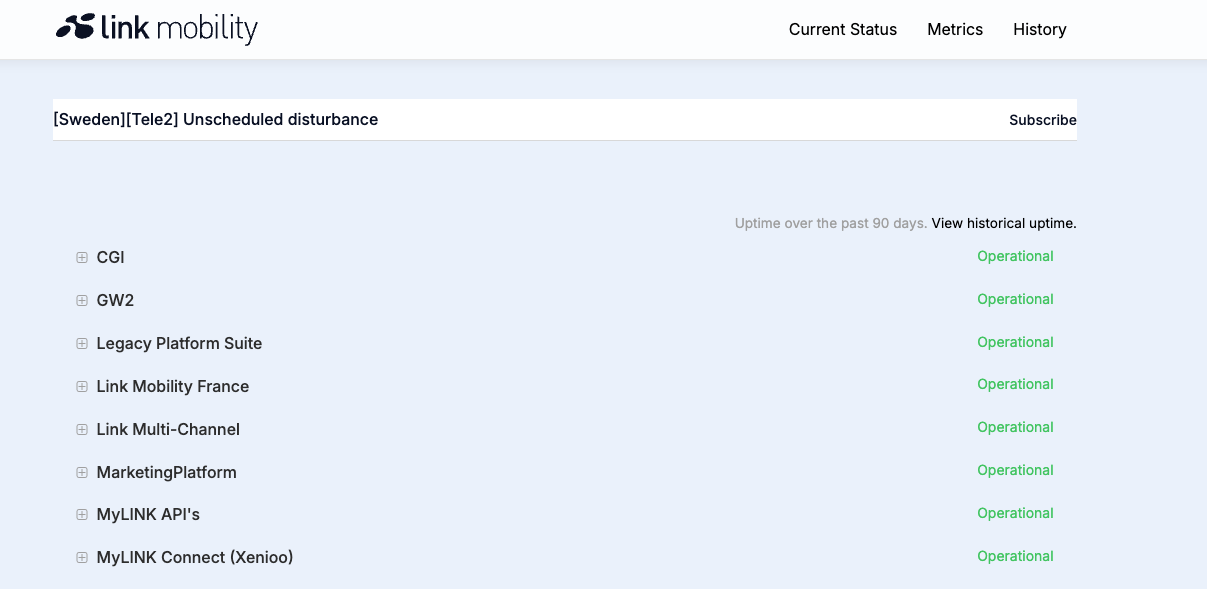
Step 2. Find MarketingPlatform
Find MarketingPlatform in the list of LINK Mobility components.
Check the component that matches the feature or channel you are using.
Step 3. Review the current status
Read the status shown beside MarketingPlatform and any related component.
Step 4. Open a relevant incident
Open an incident if its title or affected components match the problem you see in MyLINK MarketingPlatform.
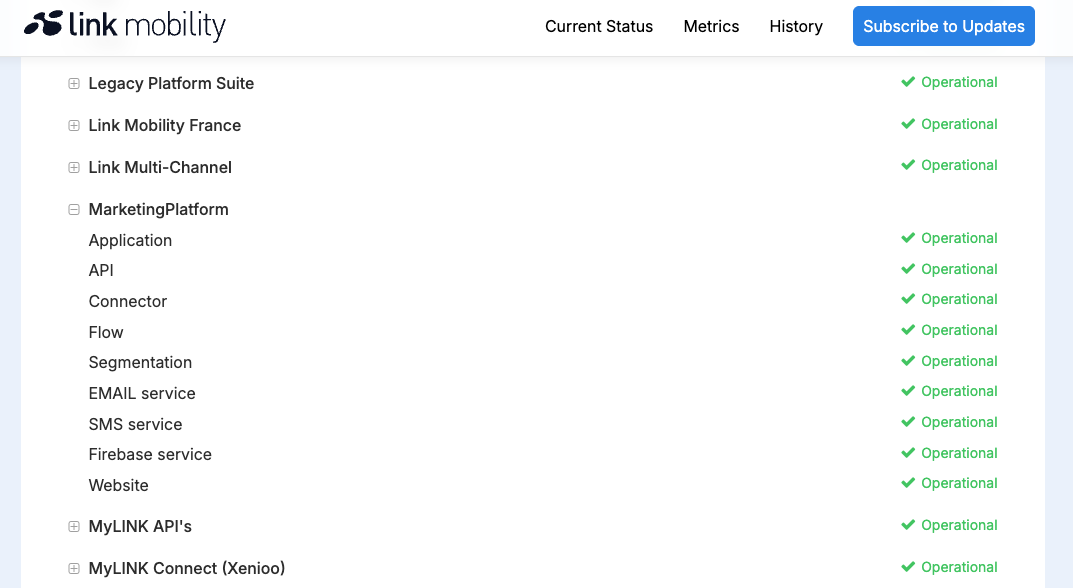
Step 5. Read the incident updates
Check when the incident started, which services or regions are affected, and the latest published update.
Review any planned maintenance that may affect your work.
Step 6. Contact support when needed
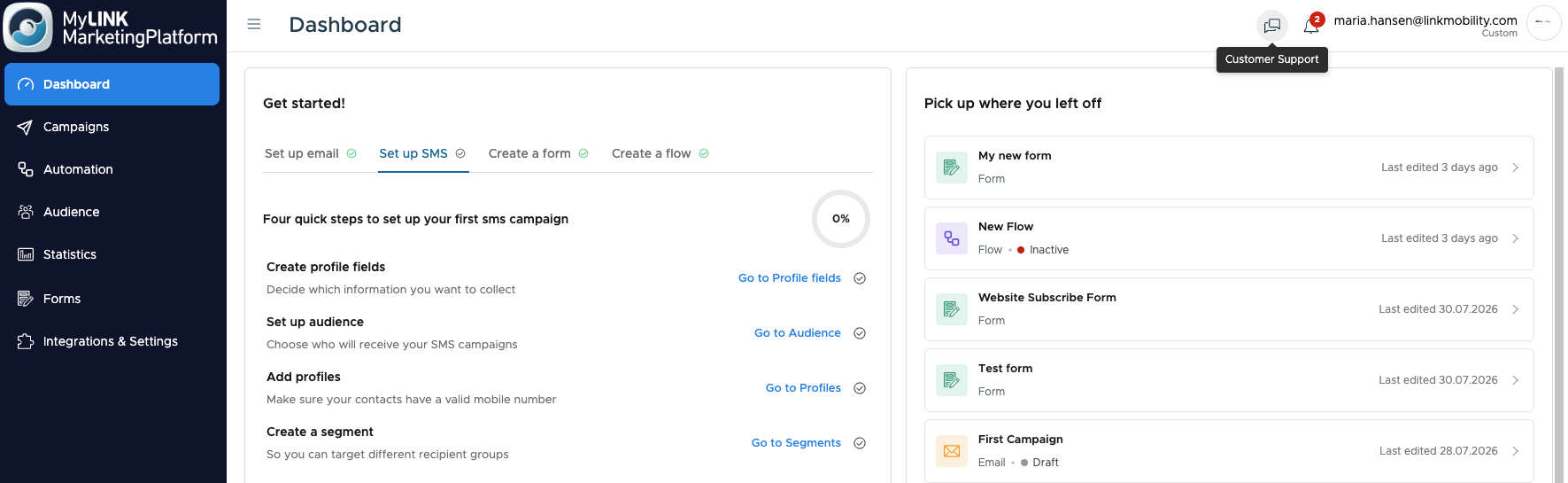
If the status page does not explain the problem, sign in to MyLINK MarketingPlatform and open customer support from the Top bar.
Include the affected feature, customer account, time of the problem, and any error message.
When to use this feature
Check the status page when MyLINK MarketingPlatform or one of its channels does not work as expected.
Common use cases
- Sign in problems
Check for a reported issue when you cannot reach or sign in to MyLINK MarketingPlatform. - Campaign or reporting delays
Check the affected component when campaign activity or Statistics appears delayed. - Planned maintenance
Review published maintenance before time sensitive campaign work.
Marketing tip
Check the status page before you repeat an import, reschedule a campaign, or rebuild work after an unexpected error.
If an incident is active, note the time and affected component so your team has the same information.
Additional information
Official status source
Use status.linkmobility.com as the official source for published LINK Mobility service information.
Product scope
The status page covers several LINK Mobility products and services.
Confirm that the incident includes MarketingPlatform or a component used by your MyLINK MarketingPlatform workflow.
Customer account issues
A problem can affect one customer account or one setup without appearing as a service incident.
Contact support if the status page does not explain the problem.
Things to know
- Status information can change as an incident is investigated.
- An incident may affect only a service, channel, region, or component.
- A resolved incident may still be relevant if your problem started during the incident period.
- Do not send passwords, API keys, or personal profile data in a support request.
Troubleshooting
| Problem | Possible cause | Solution |
|---|---|---|
| You cannot find MarketingPlatform | The status page lists several product groups and components | Search the page for MarketingPlatform |
| An incident does not match your problem | Another component or customer account setup may be involved | Check related components, then contact support |
| The page shows no reported issue | The problem may be limited to your customer account or workflow | Record the error and contact support from the Top bar |
| An incident is still being investigated | LINK Mobility may not have published a resolution time | Follow the latest incident updates before changing campaign work |