View the Statistics overview in MyLINK MarketingPlatform
Use the Statistics overview to check recent campaign results and audience growth from one page.
Before you start
You need:
- Access to Statistics.
- At least one sent campaign if you want to review last campaign results.
- An audience with activity if you want to review growth.
View the Statistics overview
Step 1. Open Statistics
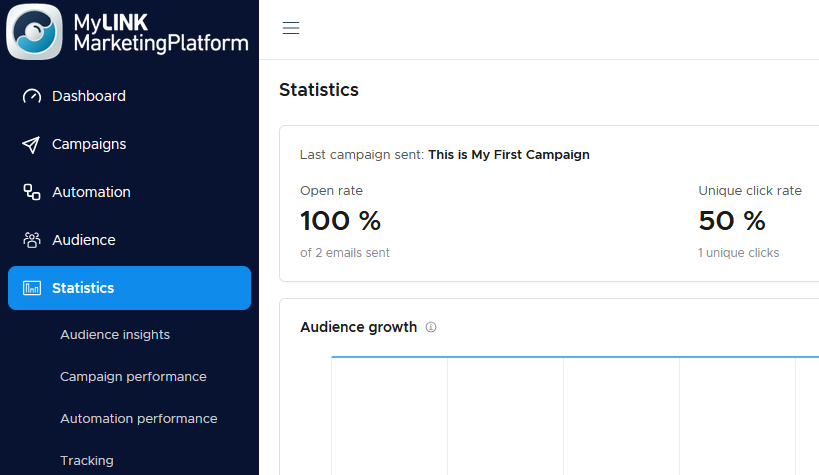
Go to Statistics.
Step 2. Review last campaign results
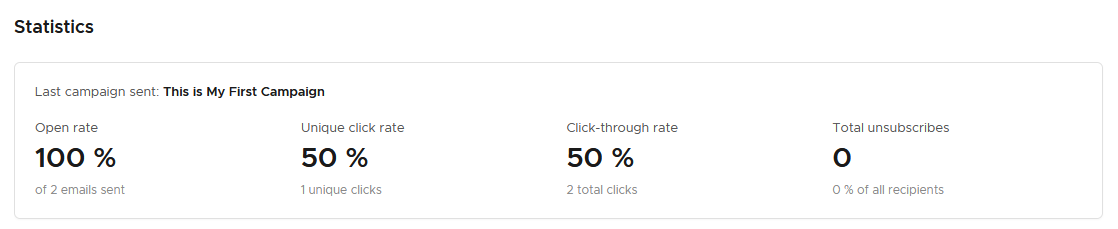
Check the headline results for the last campaign sent, including open rate, unique click rate, click-through rate, and unsubscribes.
Step 3. Choose the time range
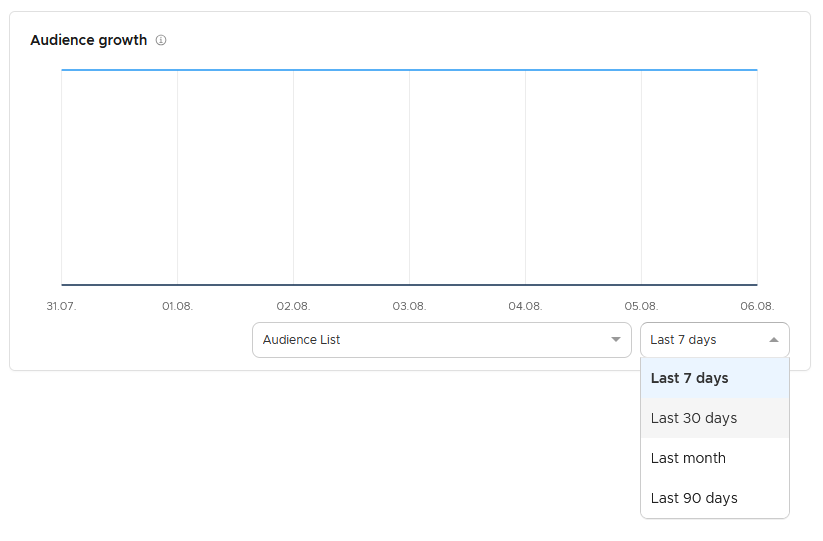
Select the time range for the audience growth chart.
Step 4. Review audience growth
Use the audience growth chart to see how the audience changed during the selected period.
When to use the Statistics overview
Use the overview when you need a fast check before choosing a deeper report.
Common use cases
- Check recent activity
Review the most recent campaign. - Prepare for planning
Review audience growth before a planning meeting. - Choose a detailed report
Check whether recent activity needs more analysis.
Marketing tip
Use the overview as the first stop, then open Campaign performance or Audience insights when a number needs context.
Additional information
Report filters
Most Statistics reports let you choose an audience and a time range.
Report formats
Reports can include KPI cards, line charts, donut charts, and tables.
Things to know
- The overview shows headline results for the last campaign sent.
- The audience growth chart depends on the selected time range.
- Deeper reports are available for audience, campaigns, automation, and tracking.
Troubleshooting
| Problem | Possible cause | Solution |
|---|---|---|
| Last campaign results are not useful | You may need a specific campaign report | Open Campaign performance and choose the campaign. |
| Growth looks different than expected | The time range may be too narrow or too broad | Change the time range and review the chart again. |
| Statistics are empty | There may be no activity in the selected area | Review sent campaigns and audience activity. |