View audience insights in MyLINK MarketingPlatform
Use Audience insights to review audience size, subscriber health, and growth over time.
Before you start
You need:
- Access to Statistics.
- An audience with profiles.
View audience insights
Step 1. Open Audience insights
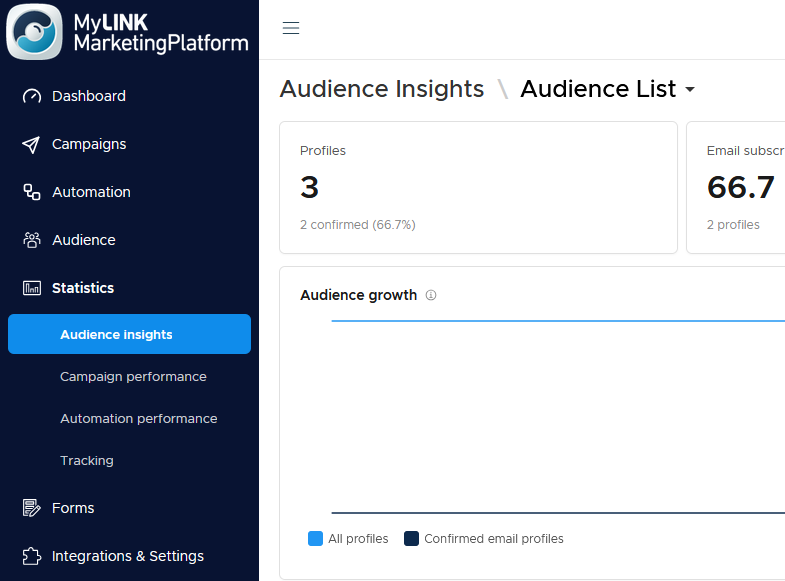
Go to Statistics and open Audience insights.
Step 2. Review profile totals
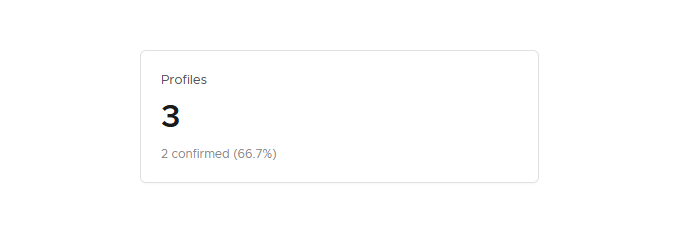
Check the Profiles card to see total profiles and how many are confirmed.
Step 3. Review email subscribers
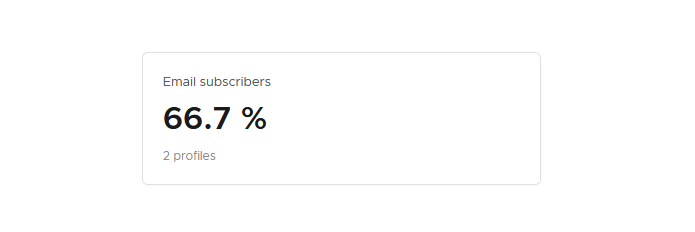
Check the Email subscribers card to see the share and number of profiles who can receive email.
Step 4. Review SMS subscribers
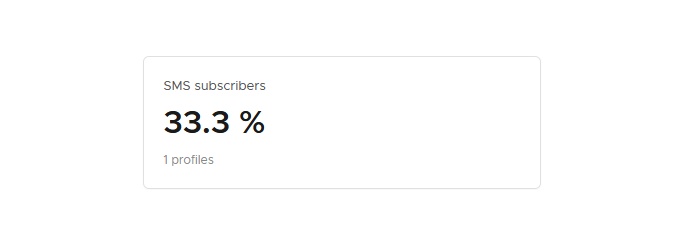
Check the SMS subscribers card to see the share and number of profiles who can receive SMS.
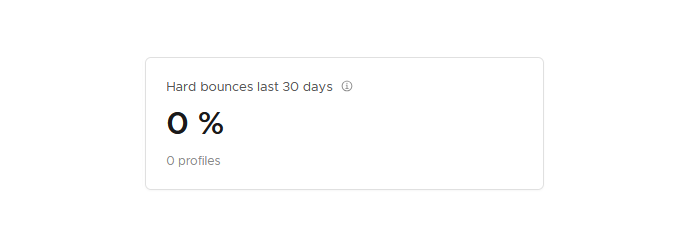
Step 5. Review hard bounces
Check the Hard bounces card for the last 30 days.
Step 6. Review growth charts
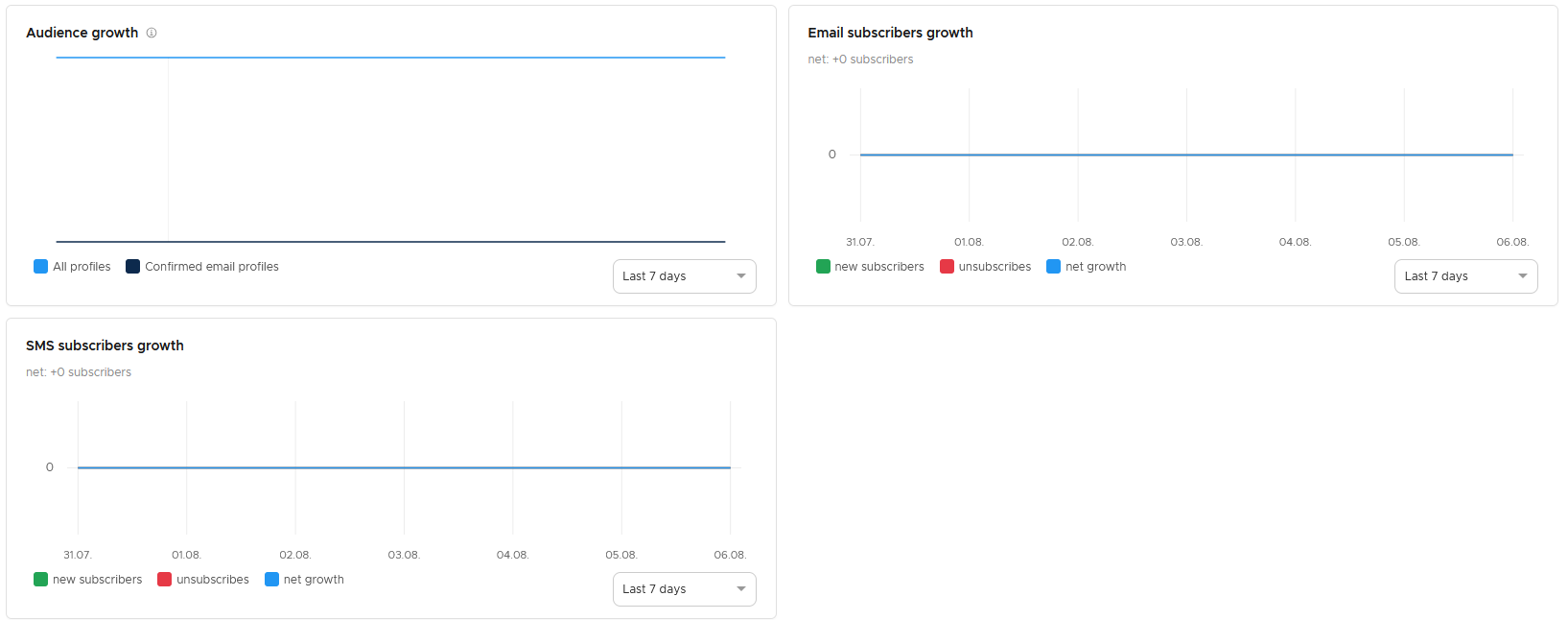
Use the growth charts to review overall audience growth, email subscriber growth, and SMS subscriber growth.
When to use this feature
Use Audience insights when you need to understand audience health before sending campaigns.
Common use cases
- Audience growth
Check audience growth and subscriber changes. - Channel reach
Review email and SMS subscriber totals. - Bounce issues
Find changes in hard bounces.
Marketing tip
Check hard bounces before large sends. A rising bounce count can point to old data or poor signup quality.
Additional information
Chart periods
Each growth chart has its own time range.
Gains and losses
The growth charts include net gains and losses.
Audience health
Audience insights focuses on the size and health of your audience.
Things to know
- Confirmed profiles are shown in the Profiles card.
- Email and SMS subscriber counts are shown separately.
- Hard bounces are shown for the last 30 days.
- Growth charts can use different time ranges.
Troubleshooting
| Problem | Possible Cause | Solution |
|---|---|---|
| Subscriber numbers are lower than expected | Some profiles may not be subscribed to that channel | Review subscription status in the audience. |
| Hard bounces are increasing | Addresses may be invalid or outdated | Review recent imports and signup sources. |
| Growth charts do not match each other | Each chart can use its own time range | Check the time range on each chart. |